Upgrading a self-hosted Ghost to Ghost 6

Ghost 6 was announced earlier this week. As I wrote a few weeks ago, I’ve migrated to a self-hosted Ghost instance running in Docker. Nobody will do the upgrade for me, so I figured, let’s have a proper cup of coffee and get to it.
Backups
Backups first! I have a semi-robust approach, where I backup my critical stuff using the following approach:
- Synology’s Active Backup for Business
- Backing up Hyper-V instances individually, and backing up all files from the Ubuntu VM that hosts my Docker containers
- Backup all Docker container files, configs, and data to Azure Storage
- Backup all Docker container files, configs, and data to a separate USB drive
- Backup all Docker container files, configs, and data to a separate NAS, hosted elsewhere
Just to be entirely sure, I stopped all my production containers and ran the backup for all of the above. In addition, I exported all Ghost data as a single file and copied all Docker-related files to a ~/backup directory. This ensured a rapid recovery if the upgrade went wonky.
Docker upgrade
The fine people at Ghost have guidance on how to upgrade. It’s a bit of a no-go for me, as I run Ghost in Docker Compose, which is currently not the primary way of hosting Ghost (but, it seems for Ghost 7, Docker Compose will be the primary way).
I don’t think I can just run ghost upgrade, as I’m pulling the container images from Docker Hub. So, I waited for about a day for Docker Hub to update.
Here we go then:
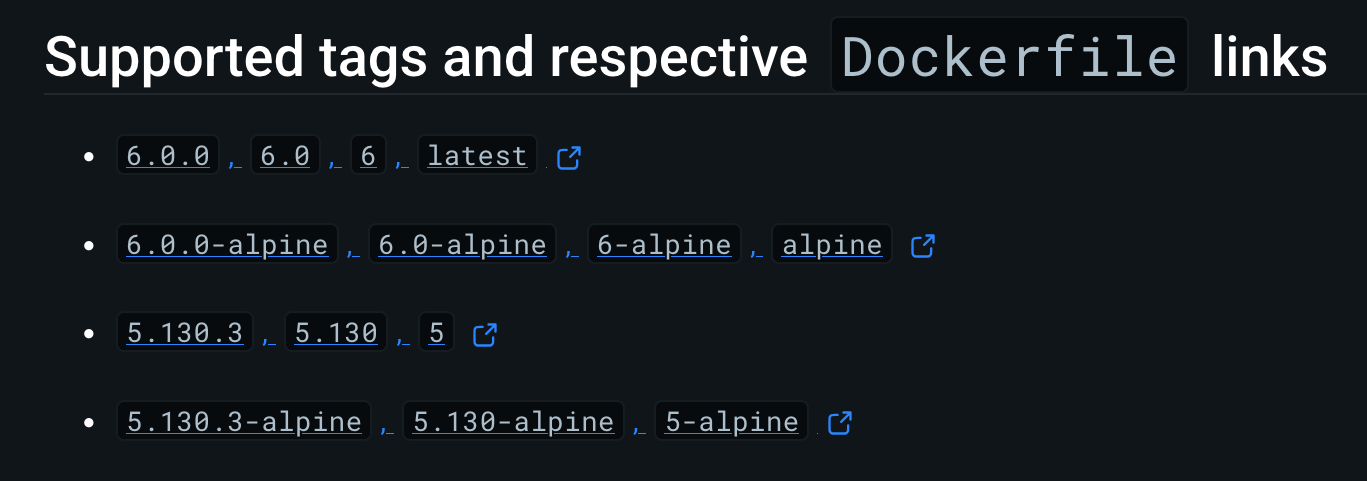
I want 6.0, so updating my Docker Compose file is a breeze.
version: '3'
services:

  ghost-server:
    image: ghost:6
(it used to be ghost:5).
However, this fails, as no Linux/amd64 image was available. Perhaps I was a bit too eager with the upgrade of Ghost, so I went trawling through the Dockerfile and found the following tag: amd64/ghost6. Makes sense.
Updating my Docker Compose to mirror this:
version: '3'
services:

  ghost-server:
    image: amd64/ghost:6
And it updates beautifully!
Back online
I run docker compose up, and verify from the console the site resumes. From the Ghost Admin Panel, I can see it’s updated:
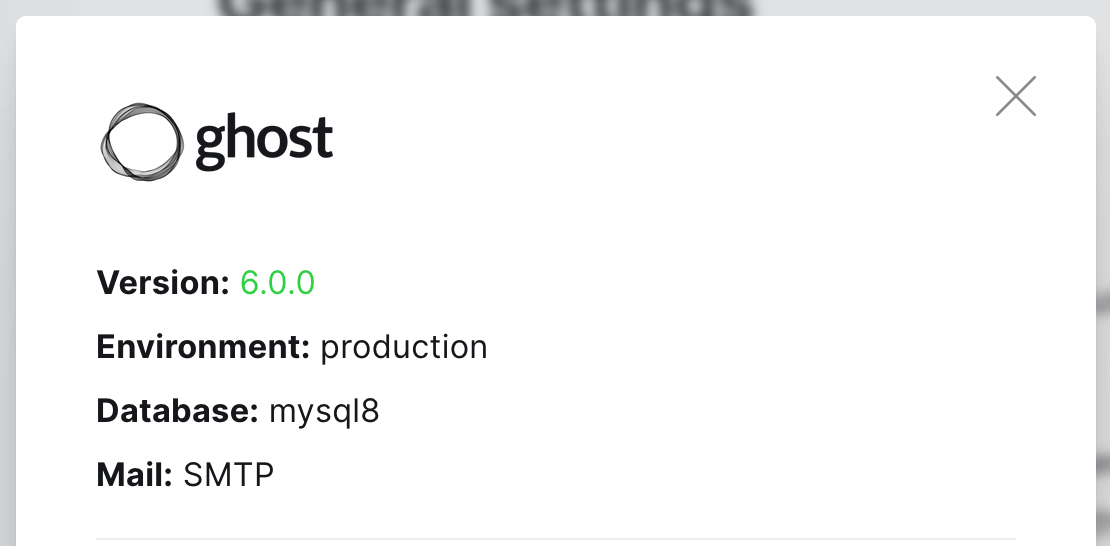
Very nice! :) The beauty of Docker is that you can - in optimal cases - just ‘restart’ to upgrade.

Jussi Roine
Microsoft MVP and consultancy founder with 30+ years of experience, passionate about Microsoft security, AI governance, and sharing what I learn along the way.