Altering my productivity with a new display setup
This is a quick one, but I wanted to share this as I did not find enough guidance on this previously. I’ve had a three-display setup for several years now:
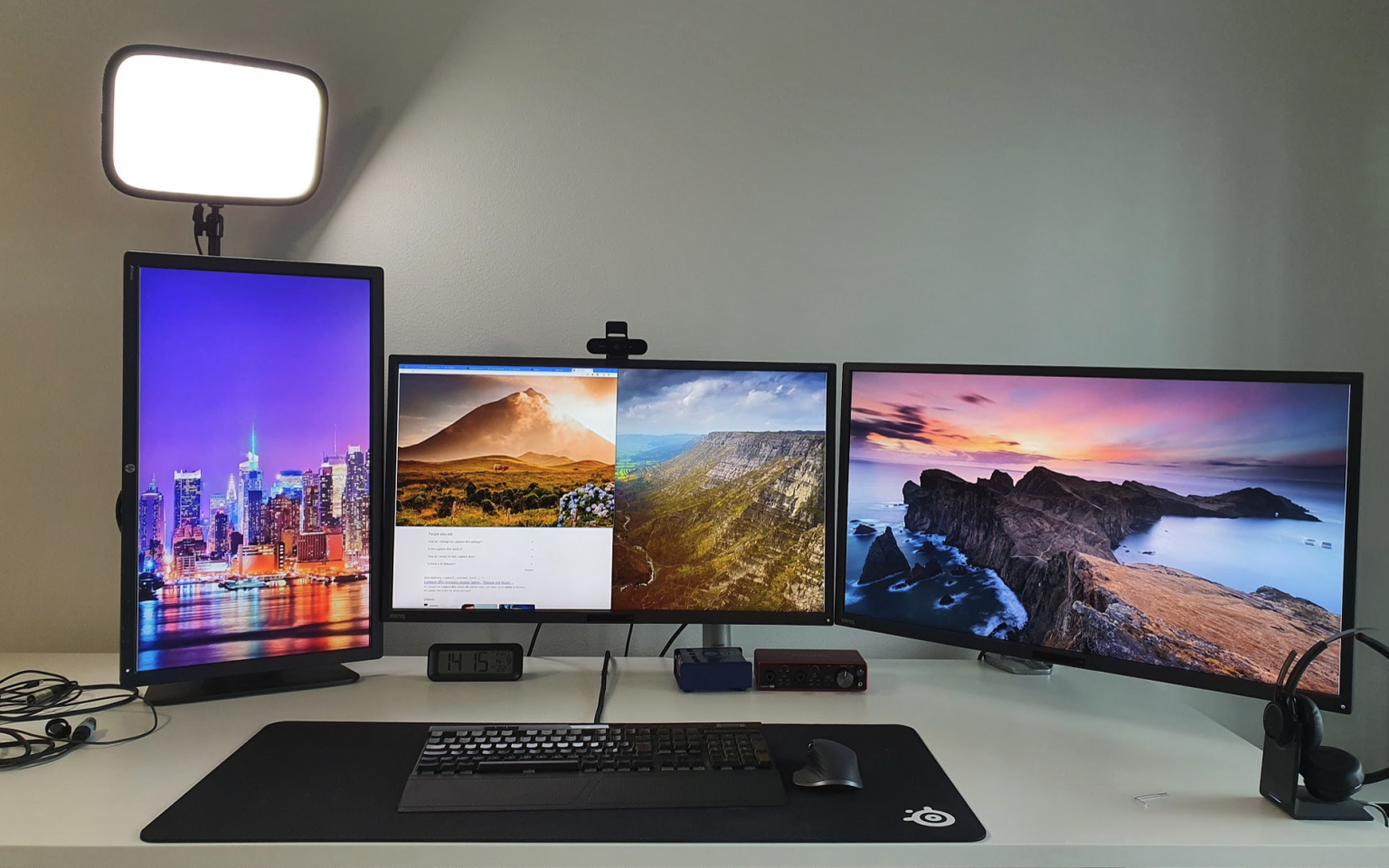
The thinking I’ve had is that whenever I read something lengthier, the portrait display on the left is optimal for that. It sort of is, but the viewing angle is not amazing for a display that is not designed to be held in that position forever. And I’ve grown to dislike sitting or standing next to my desk while reading. For that, I’ve got a tablet.
This got me thinking – would it perhaps be better to have a large widescreen display to replace all of my individual displays? I feel the challenge is still with screen sharing – how do you share a portion of your screen for others over Teams, for example? Many ultra wides also have poor horizontal resolutions, and once you’re accustomed to 2160px in a 4K display, it’s hard to go back to 1440px or similar.
I then looked up into additional display mount, and found this:
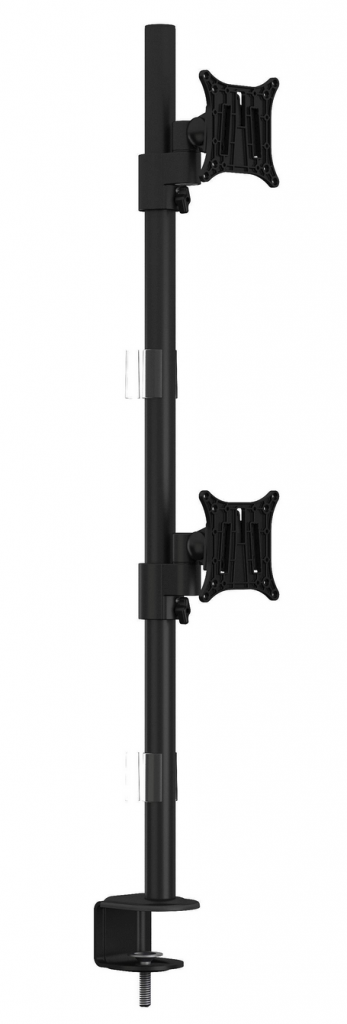
It’s the Multibrackets M VESA Deskmount Officeline Dual Vertical Black. I figured that I could hook up my 32″ regular display on the lower VESA mount and move my portrait display (a 27″ WQHD one) in landscape on top of it. The mount cost 86 euro (about $104), so it felt like a quality build while not immensely cheap.
I installed the lower display first. The mount is rated for 8 kg/display. The 32″ lower display is 8.5 kg, so slightly over the limit. It turns out that the extra 500 grams are too much – the display doesn’t hold in one position but starts to lean forward. By tightening the Allen bolt, it held – for about 30 minutes before starting to lean forward again.
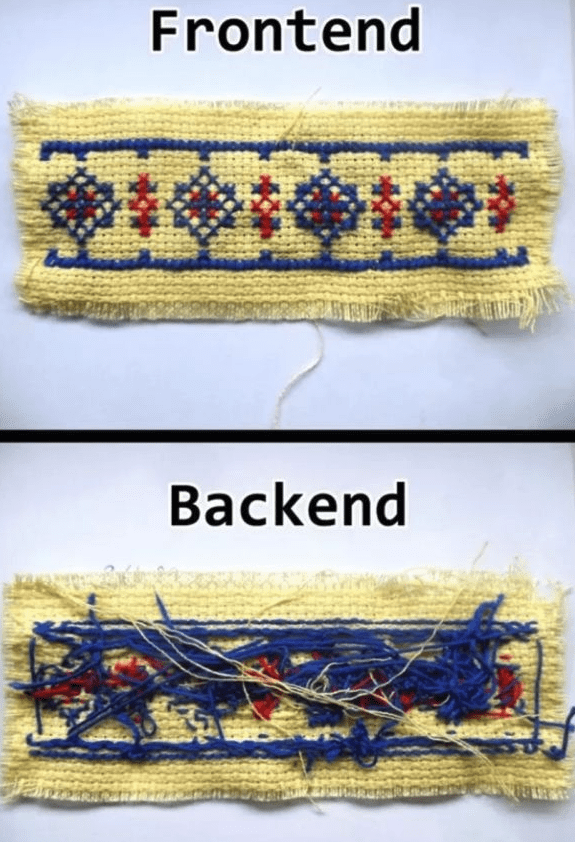
Frustrated with my incompetence, I fixed two zip ties together and adjusted them to the monitor mount base.
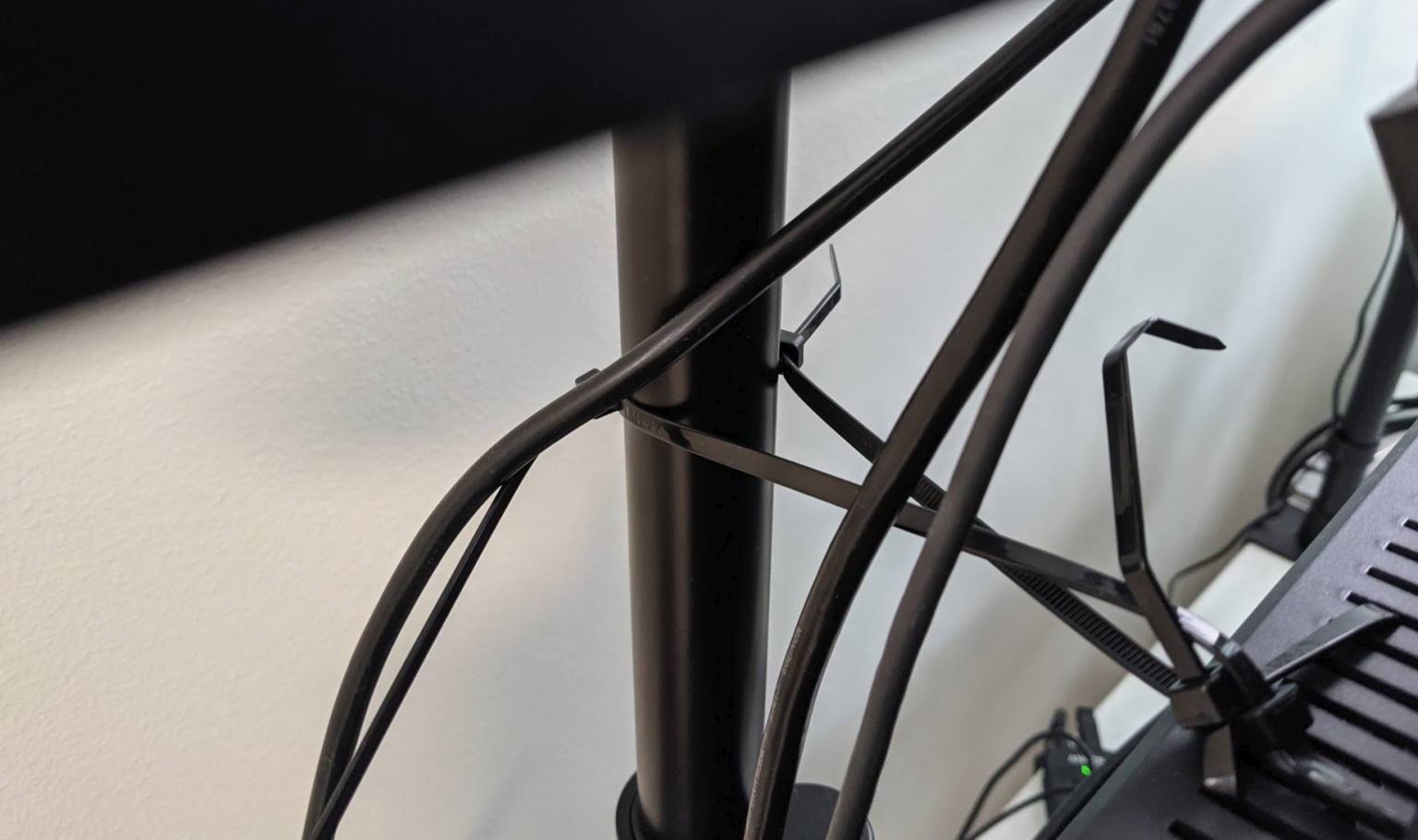
It isn’t the most beautiful setup, but like many architectures – the frontend is polished, while the backend looks like this:
The final setup now looks like this:
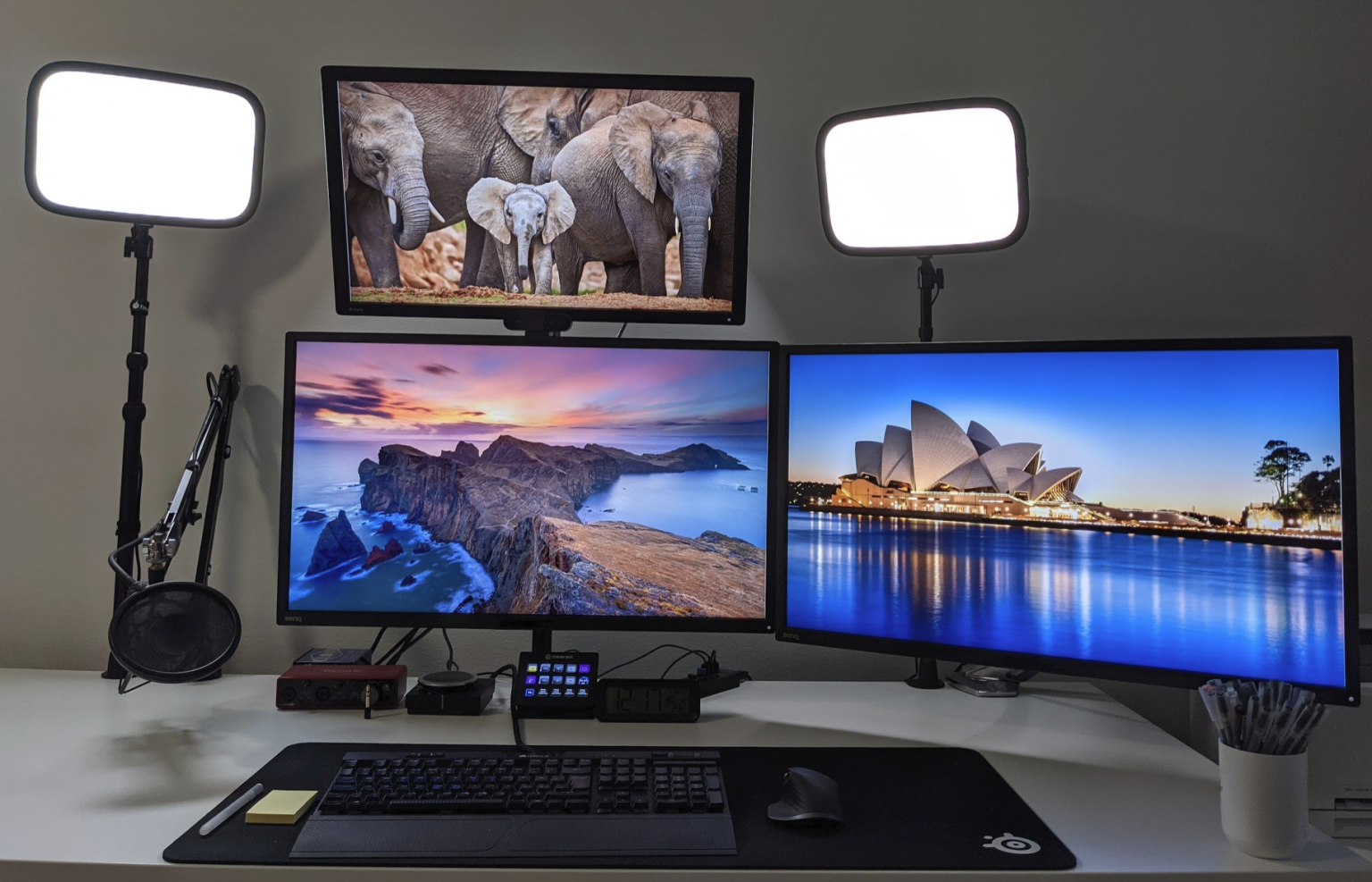
I used Microsoft PowerToys FancyZones utility to fix many apps to open on the top-most display – WhatsApp, Signal, Teams, and others that often require a glance but not full focus at all times.
It’s been a few weeks now, and I’ve really grown to like this. The left side is more peaceful now, and quickly glancing at what’s happening worldwide is now very easy. I sometimes lean back on my chair and watch a video from the top display. It’s angled slightly downwards to make viewing pleasant.
Is it worth the trouble? For now, yes! I was also able to get rid of the third monitor mount. It could be reused later if I ever choose to go for a four-display setup. That might be taking it over the top, and by then, it would make sense to go with one ultrawide and one top display.