
I’ve written previously that most of my work is done in a mixed environment: High-performance Windows workstations, a MacBook Pro 16“, and a Lenovo ThinkPad. I rotate between these quite often, depending on where I’m at - perhaps I’m in my office, and mostly work on the ThinkPad. Other times, I might be in transit and have the MacBook with me. It’s all fine - most work is saved outside the physical device anyway, so more often than not, the laptops are just remoting devices with some local capabilities.
And then Apple announced the MacBook Neo. If you haven’t been following this, Apple essentially released an affordable laptop that is still a true MacBook, with proper MacOS. It runs on a mobile chip, so you should expect this to be an entry-level device, not a “let me run local LLMs while I’m editing my 8K video streams” device.
First day: MacBook Neo
I was able to get my hands on a new MacBook Neo. The specs are pretty simple - you either go for the one with Touch ID and a slightly larger hard drive (799 € with VAT in Finland), or the one without Touch ID and a smaller hard drive (699 € with VAT in Finland). Those are the options - plus you get to choose a color.
Mine is the Indigo one - Space Black isn’t an option. But it’s the least offending, as the other colors are Silver, Rose, and Citrus. Ugh. Too pastel.
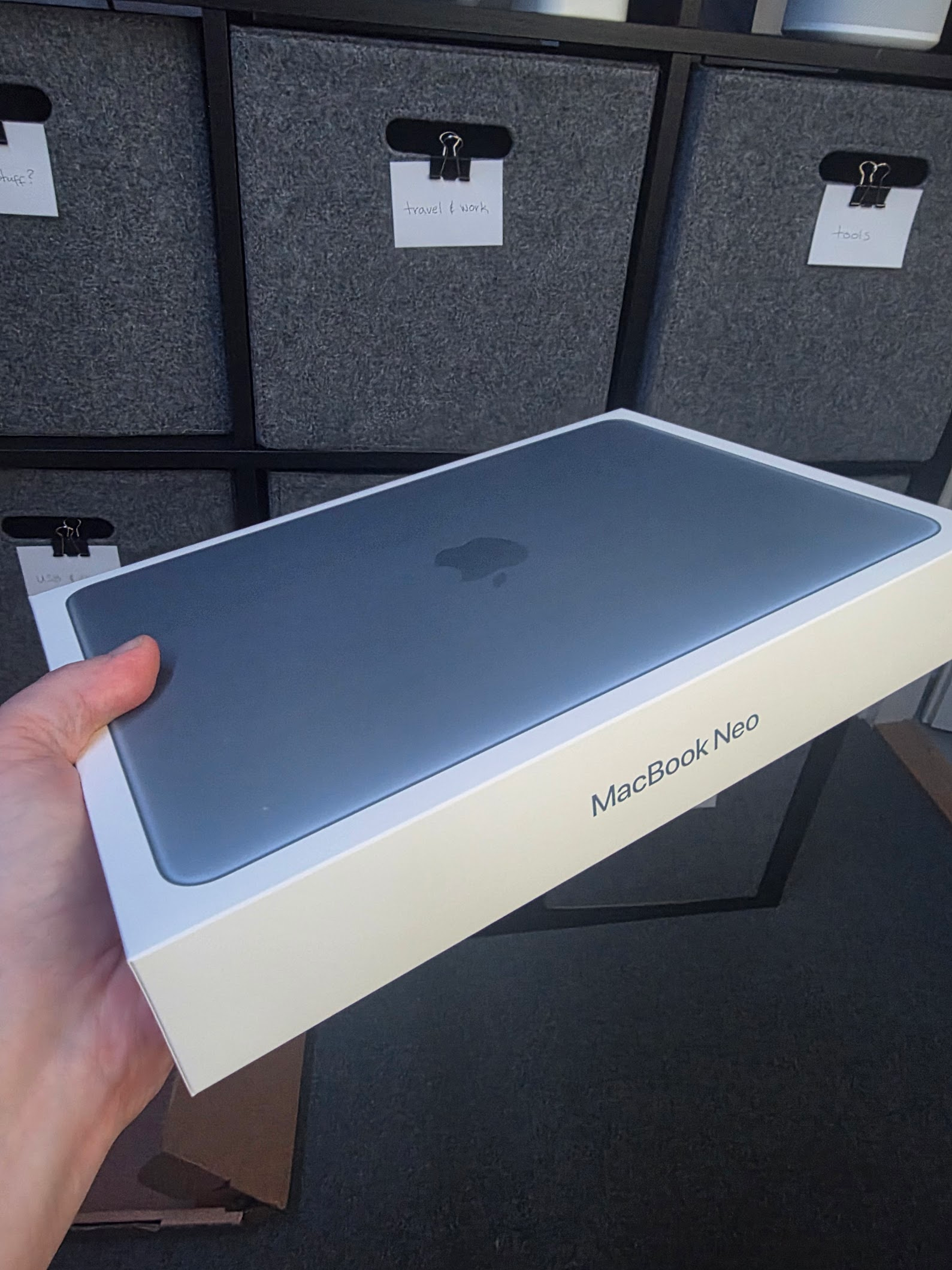 It’s a tiny box, and in it, everything you’d expect: the laptop, and a USB-C to USB-C cable. That’s it. No MagSafe, of course - it’s an entry-level device. And to be honest, I rarely - if ever - use the MagSafe cable on the MacBook Pro 16“ either. USB-C is the way to go for everything.
It has two USB-C ports and a 3.5mm audio output port. Not much, but more than I expected to find - again - on an entry-level device.
The display is somewhat small, at 13“ - yet the resolution is fantastic, going up to 2408 x 1506 pixels. Sweet! You get just 8 GB of RAM, no option to buy more. It’s a phone with a larger chassis, after all. If you need more, go for the MacBook Air 13“ - it’s not much more expensive, starting at 1259 € with taxes. Well, actually, it’s nearly double the price of the cheaper MacBook Neo.
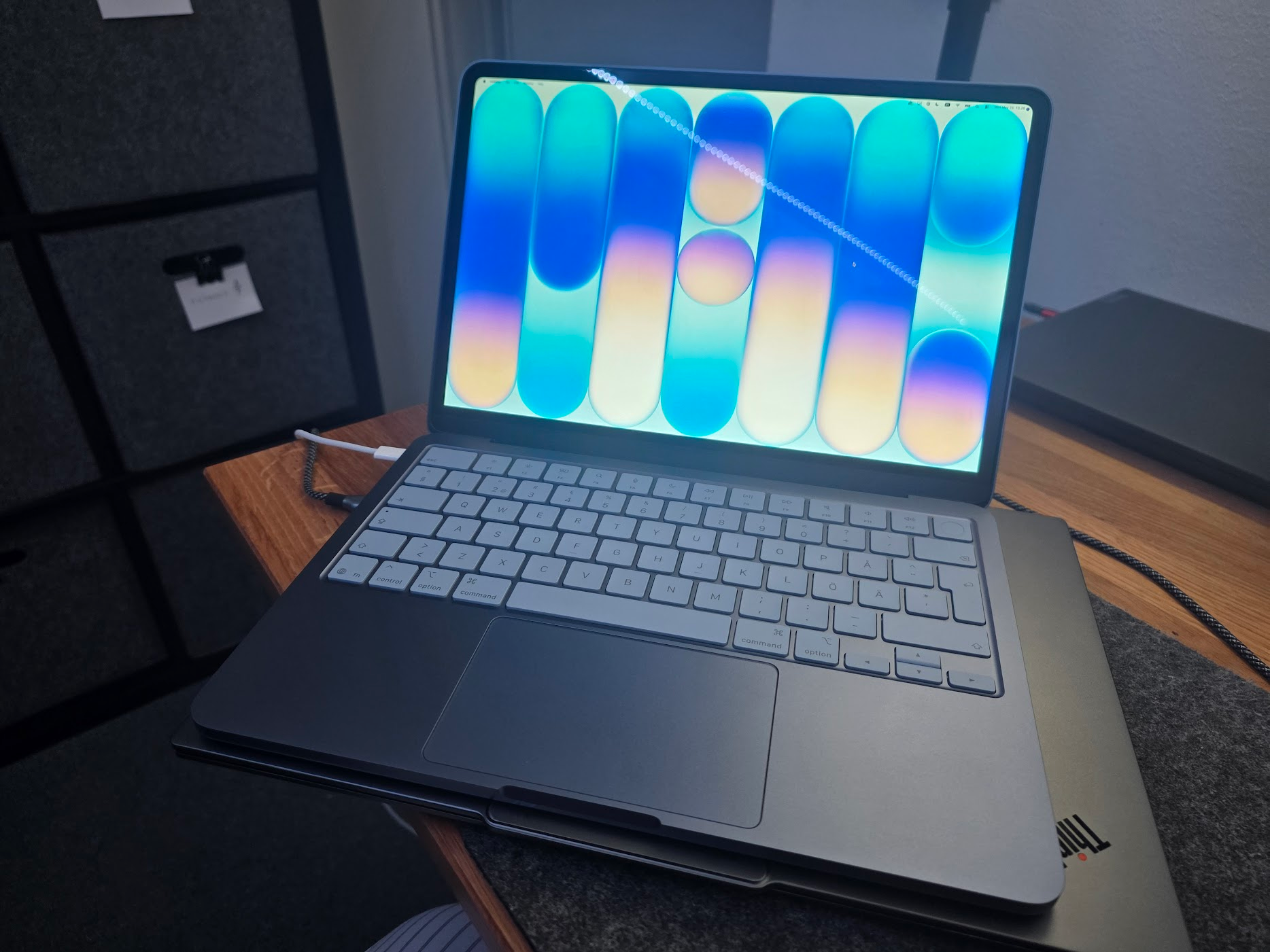 Spinning it up, the battery is almost full. I plugged in just in case to finalize the out-of-the-box experience. Here it sits on top of my ThinkPad X9, and you can see how tiny it is. The touchpad is reasonably large, and the keyboard is pretty well-sized. My hands are not tiny, and I had zero trouble typing things on the laptop.
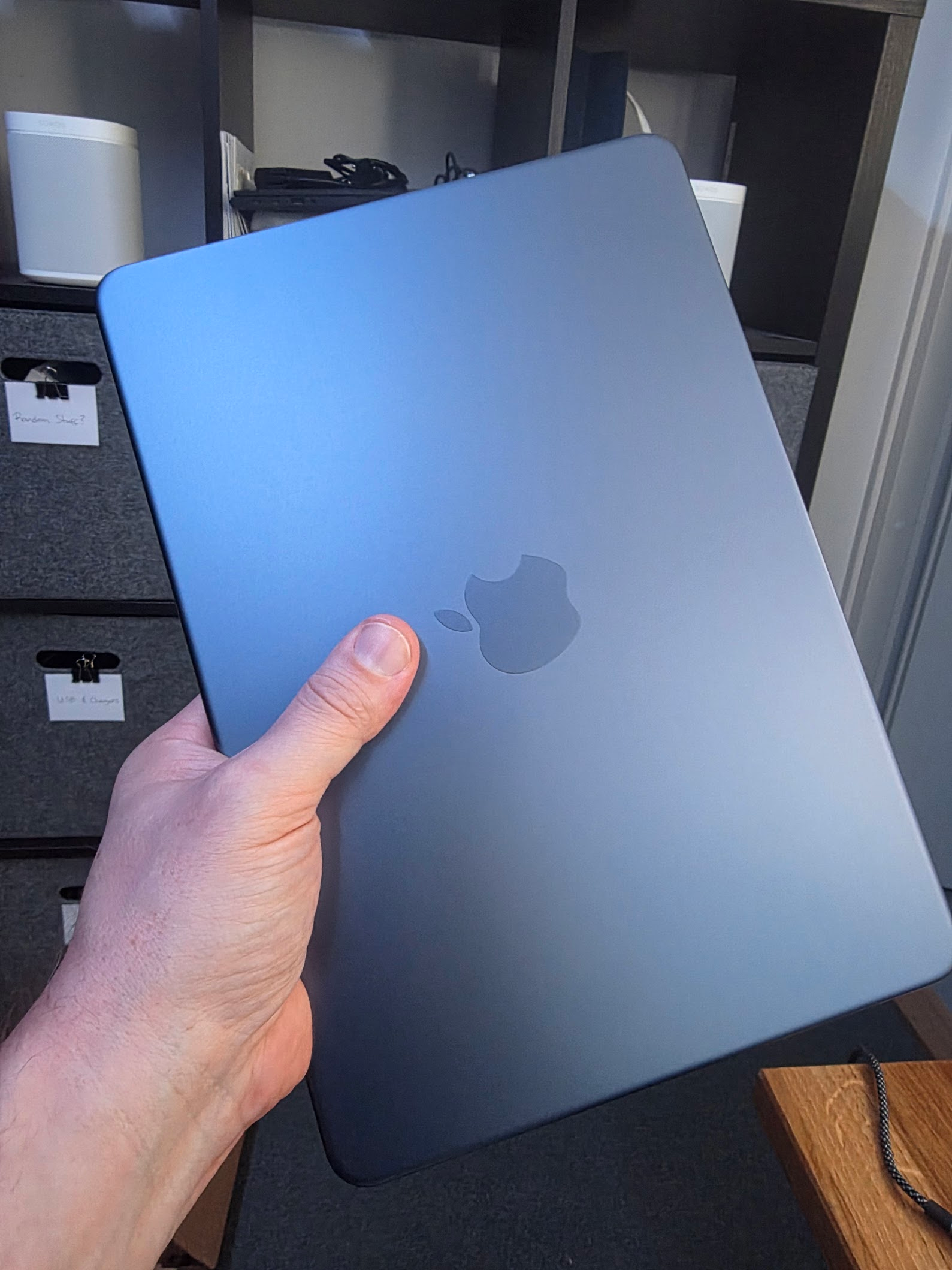 At 1.2 kg (2.64 lbs.), it feels sturdy, and not super lightweight. When you see it on a table, you assume it’s lighter. But holding it with one hand, it’s not heavy at all - but feels like a decent chunk of metal.
Performance
So, the first question going in - what’s the performance? I haven’t had an iPhone in about a decade, so I wasn’t sure what to expect from the A18 chip that runs this tiny machine.
In a word: It’s fast.
I’ve enrolled the device as a company device, thus it gets all the usual MDM stuff to begin with. Then, I deployed the core tools I expect to use on this device:
- Microsoft Teams
- Microsoft 365 Apps (Outlook mostly, but it deploys PowerPoint, Word, etc.)
- Tailscale
- Shottr (for quick screenshots)
- Stats (to verify battery life)
- iTerm2 (for a proper terminal, even if I’m not expecting to use it that much)
- 1Password
- Signal
- Firefox (I have a deep hate-hate relationship with Safari)
- Claude Desktop
Nothing out of the ordinary, now that I’m reviewing this list. I’m not using any Apple-branded app, and I expect Firefox to eat more battery than Safari, for example. That’s fine.
Installation was a breeze. I had a few downloads and installations running at the same time, so I didn’t have to wait.
Memory consumption has remained the same: about 6.5 GB in use, 1.5 GB cached. It doesn’t feel like it’s swapping or making me wait. I did get a tiny “hold on” moment when I needed to try something out from Claude and ran npm install. It worked but was certainly slower than on any of my real workhorses. Again, it’s a heavily optimized chip, probably not intended for software development or code compilation.
I’m typing this on the MacBook Neo, and it just works. I have a few virtual desktops, and switching between them is as fluid as on the MBP 16“ with 36 GB of RAM and a nice GPU.
Battery life
My next interest was in battery life. How long will this thing run for? It’s a fresh device, so I’m sure it’s still calibrating and adjusting to my operation. Right now, I’m looking at 8h03min runtime left, at around 83% battery life. This is after I installed everything and charged it once back to 100%. Screen brightness is around 80%.
I took a screenshot while I was still installing stuff - and even then, I got a 93% remaining charge, and 6:09 runtime left - and this was when the device was just blazing through the software deployments and my onboarding.
 I’m impressed. It’s a tiny device, built like a tank, cheap - and the battery life is more than I expected. I’d wager it will run for about 10 hours of real-life use for me - mostly due to Firefox eating a bit more energy than Safari for me.
Ports and connectivity
The device has, as I wrote earlier, two USB-C ports. It’s not much, but I don’t really need them for anything other than charging. I’m not expecting to plug this thing into a dock or use it with an external keyboard or mouse. It just isn’t a kind of device you’d use for a full workday with two 40“ displays.
One of the USB-C ports supports DisplayPort and delivers 10 Gb/s of bandwidth. Sweet. You can use an external display at 4K at 60 Hz. Pretty OK, and perhaps more than I expected - again, it’s a really cheap device.
For Wi-Fi, it supports Wi-Fi 6E (802.11ax). A slight bummer, I would have liked Wi-Fi 7, but this is mostly for my vanity. It’s great seeing “1.2 Gbps download speeds”, but do I need them? No. But would I like to see it? Yes. Wi-Fi 6E is 90% faster than you’d need this for
The 3.5mm audio jack is cute. I’m certain I’ll never use it, but I can appreciate Apple leaving it there. watching Netflix, or working on a blog post in a static text editor that saves Markdown files on GitHub every 2 minutes.
Camera
Ah, the camera. Zero expectation on it, I’m not planning to use it - ever! But maybe I’ll randomly join a Teams call with it. It has a 1080p Full HD FaceTime camera - and just quickly glancing at it locally, it’s very sharp. Gone are the days of potato-quality video streams on a 299 € HP laptop.
Sound
To be honest, I haven’t bothered to even try. I’ve never used any speakers on any of my laptops. I’m a private person, and if I get even a HINT of audio coming out, I’ll hop on to Bluetooth headphones in a nanosecond.
Other
Funnily enough, Apple gives you a pop-up that Apple Intelligence is available on the device. This makes perfect sense, as it’s a mobile chip and it supports AI capabilities. What are those? I have no clue. I’ve never used Apple Intelligence, and probably never will.
As my friend put it the other day during a conference talk he was delivering, “I don’t care about end-user AI capabilities. They are not even a blip on my radar,” and I am beginning to think he has telepathically received the idea from me.
In closing
Is the device worth 799 €? Yes, it is. If you need a mobile, semi-lightweight laptop that is super reliable, and “just works.” But if you already have a corporate laptop, this one won’t replace it. This will augment the need.
For me, the MacBook Neo will travel in my backpack together with whatever laptop I bring. I will then use it, when it feels like a nice idea - sipping coffee in the office lounge, and wanting to see what’s happening in the smaller Internet, as opposed to the larger Internet on the big screen. And for some serious work, as well.
I’ve used the Neo now with numerous Teams chats, I’ve managed loads of email, and I’ve checked our internal systems - without giving it a second thought that I’m not using the proper high-performance fancy laptop.