Fixing a missing profile picture in the MacOS Sonoma Lock Screen for the user

This is a quick one, but something I found frustrating with MacOS Sonoma.
For a fresh install of MacOS Sonoma on a brand spanking new MacBook Pro 16“ (M3 Pro), I’ve added one user - myself. This is how the user looks like in 🍎 > System Settings > Users & Groups:
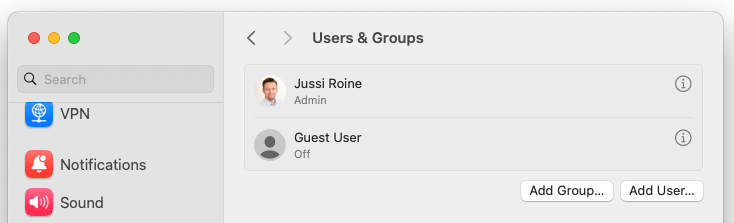
All great! My picture in there. But when I lock the device, this is how it looks like on the lock screen:
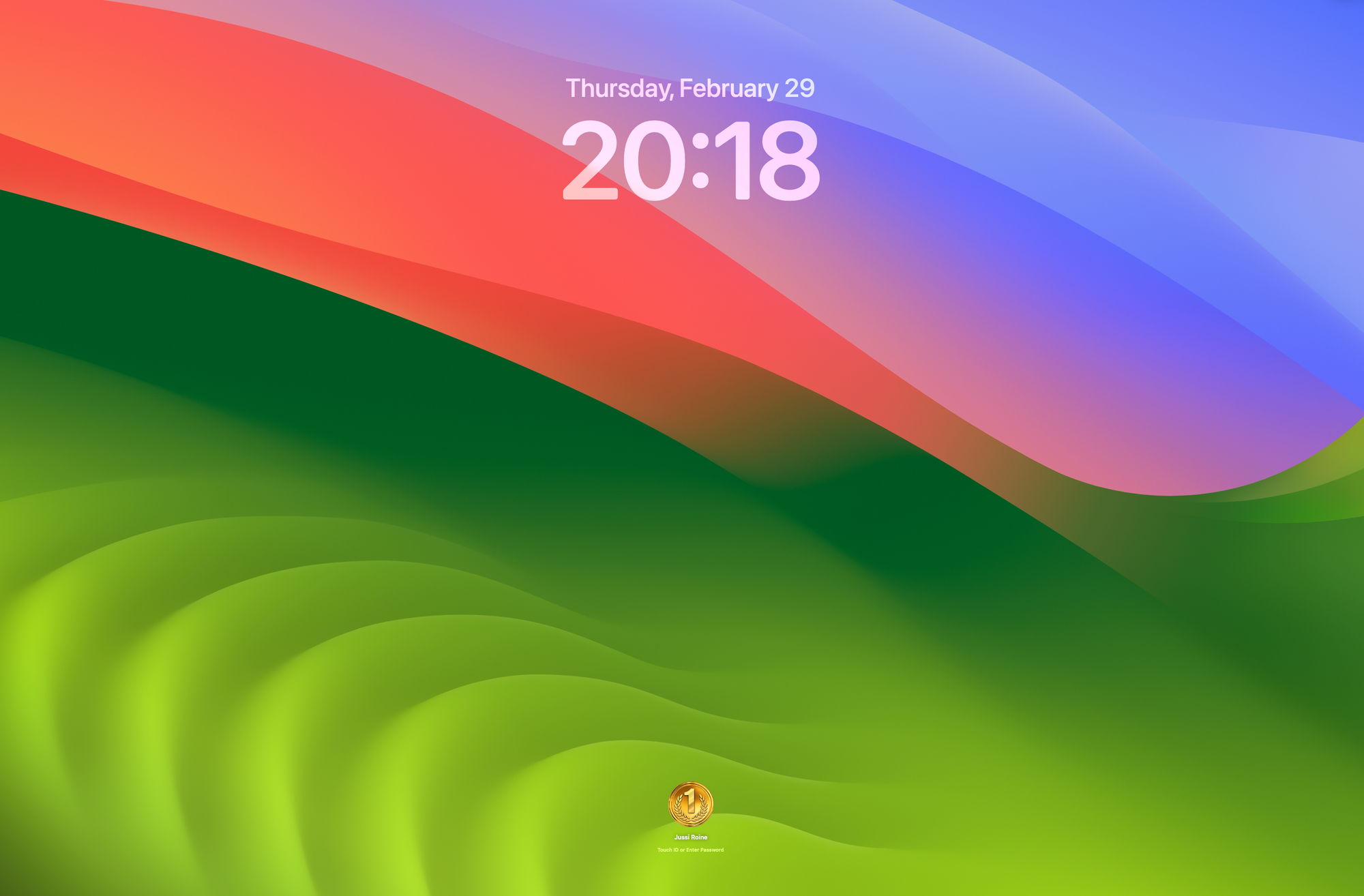
Zooming in to the actual account:
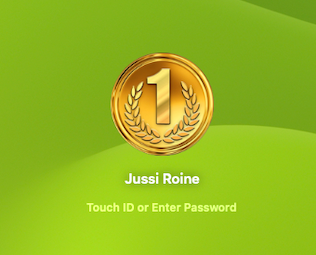
Hold up! Why is there a medal for the account image instead of my photo? I double-checked that my user account has the right icon.
Something fishy here. I created another account, and MacOS Sonoma randomly added a profile image. Similar to the medal.heic image you see above. For fun, I removed the default image from /Library/User Pictures/Fun. No effect - it’s cached somewhere.
Reboot doesn’t change this either; the dreaded medal icon is always there, and it’s irritating me.
It turns out that when I added the test account, I had to hover over the account list a few times for MacOS Sonoma to refresh the profile pictures.
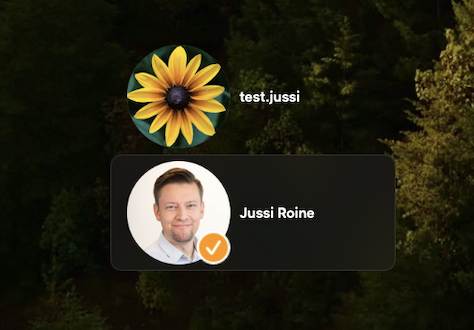
Hovering.
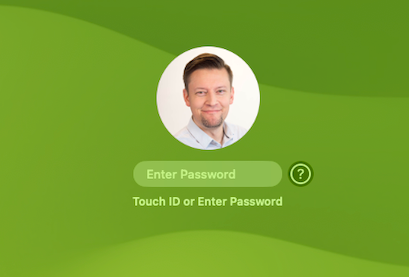
And it’s fixed.
Well, that’s an unexciting and non-technical fix. It’s frustrating, but finally, it’s showing the right one for me.